What you can make
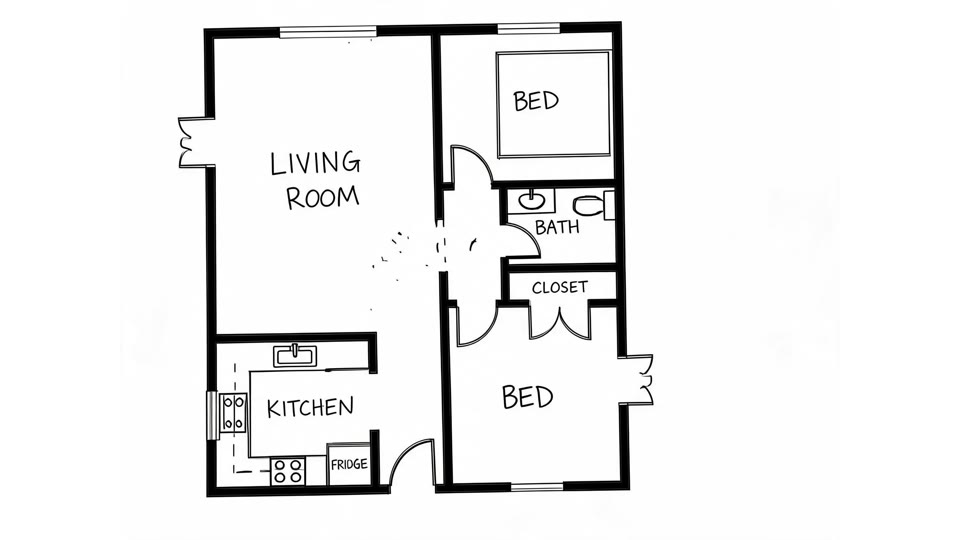
Sketch to floor plan
Turn a napkin sketch from a client meeting into a plan.
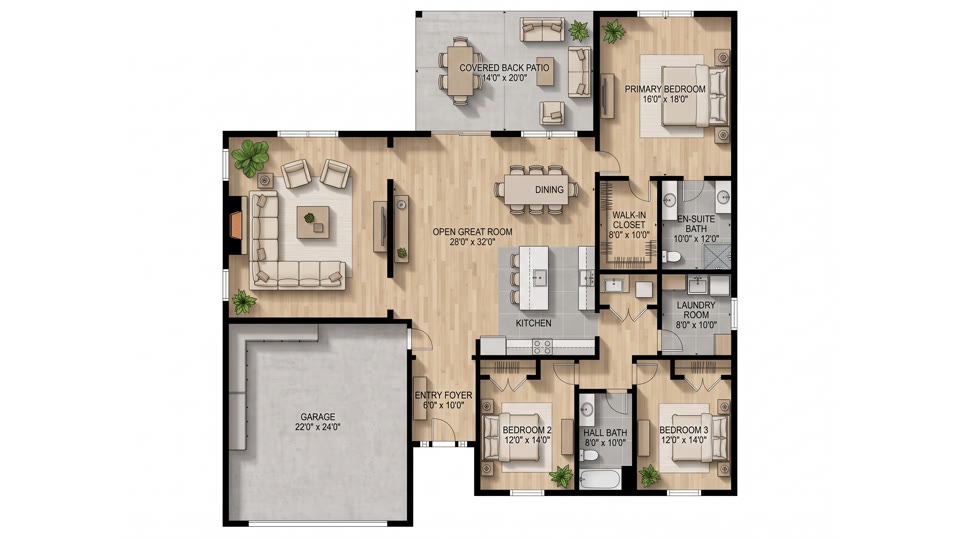
Floor plan rendering
Show a furnished, styled view of a layout.
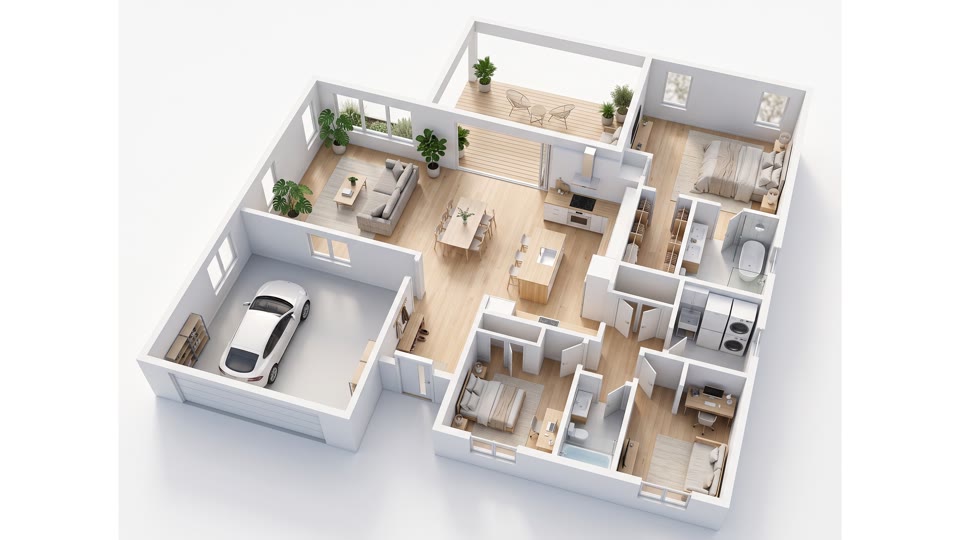
Floor plan to 3D
Share a 3D video of a concept with your client.
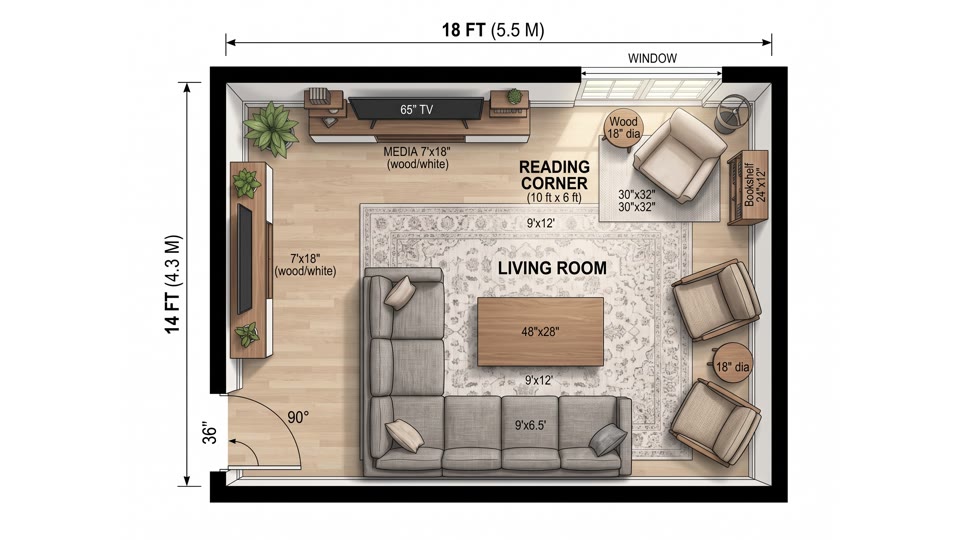
Living room floor plan
Explore seating and circulation in the main room.
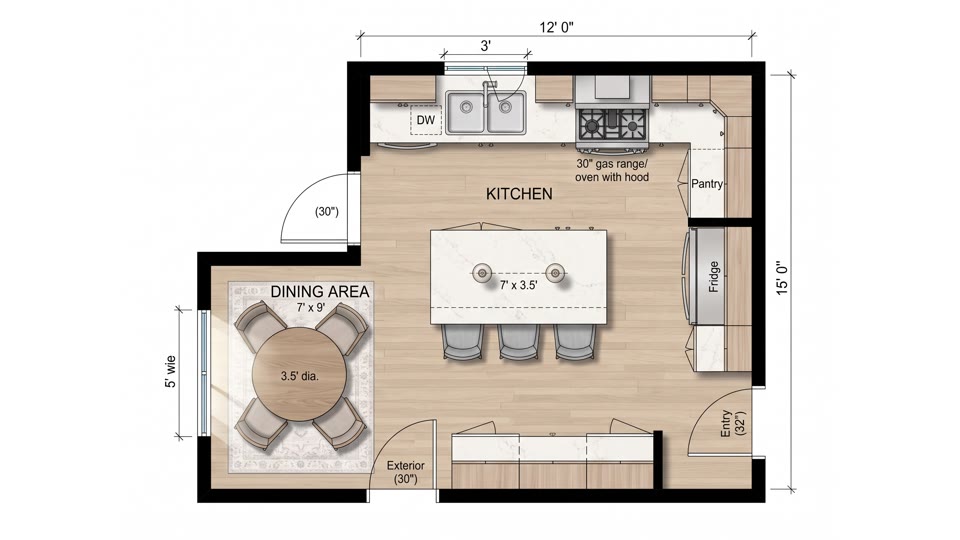
Kitchen floor plan
Compare galley, L-shaped and island layouts.
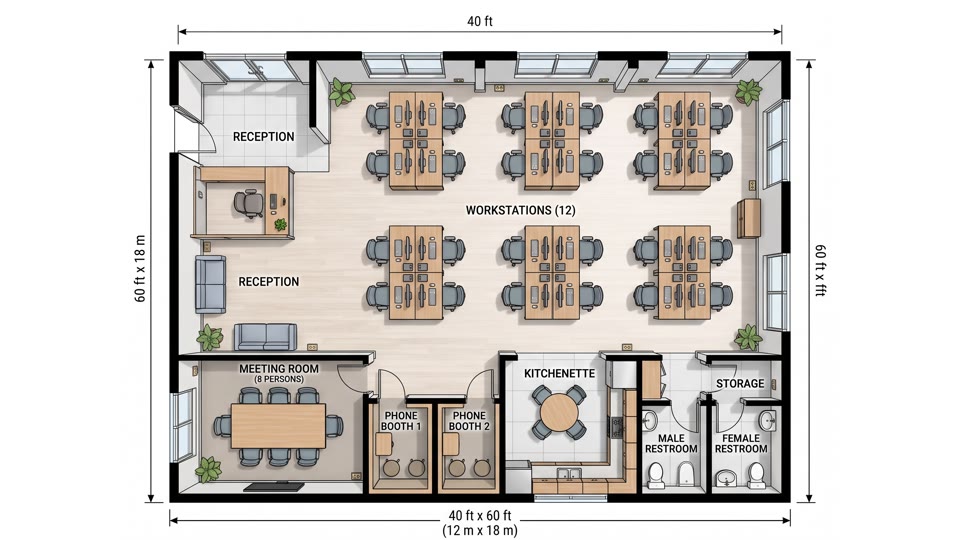
Office floor plan
Sketch out desks, meeting rooms and break areas.
A typical workflow
- 1
Start from the brief
Write down the rooms, the style and the constraints, or upload a sketch from the first meeting.
- 2
Generate a few options
Run the brief more than once with small changes to get several layout ideas to compare.
- 3
Add a rendered or 3D view
Render the strongest layouts or make a 3D video so the client can picture the space.
- 4
Move to your own tools
Once the client picks a direction, measure the space and draw the real plans in your usual software.
Good to know
- Planloom makes a visualization of a layout, not a construction drawing.
- It does not keep exact dimensions, so measure the real space before you act on a plan.
- There is no DXF or CAD export; you get images and videos.
- Have a qualified professional check anything before you build, buy or sign.
Pricing in short
- One free watermarked preview per person.
- Images cost 2 credits each, a 3D video costs 30 credits.
- Starter: $19.99 a month or $119 a year, with 200 credits a month.
- Pro: $29.99 a month or $299 a year, with 600 credits a month.
- Credit packs: 200 credits for $29.99, 600 credits for $79.99.
Interior designers: frequently asked questions
Can I use it for client presentations?
Yes, as concept material. Tell clients it is an illustration of a layout idea, not a measured drawing.
Does it keep exact dimensions?
No. Planloom does not keep exact dimensions, so measure the real room and draw the final plan in your own software.
Can I import the result into CAD software?
There is no DXF or CAD export. You get images and videos that you can use as a reference when you redraw the plan.
How many options can I try?
As many as your credits allow. An image costs 2 credits and a 3D video costs 30. Your first preview is free, with a watermark.
Which plan suits a small studio?
Starter at $19.99 a month ($119 a year) gives 200 credits a month. Pro at $29.99 a month ($299 a year) gives 600 credits a month. Credit packs of 200 for $29.99 and 600 for $79.99 are available too.
More use cases
Try your first floor plan free
Describe a space or upload a sketch and get a floor plan in about a minute. One free preview per person, no card needed to look around.