What you can make
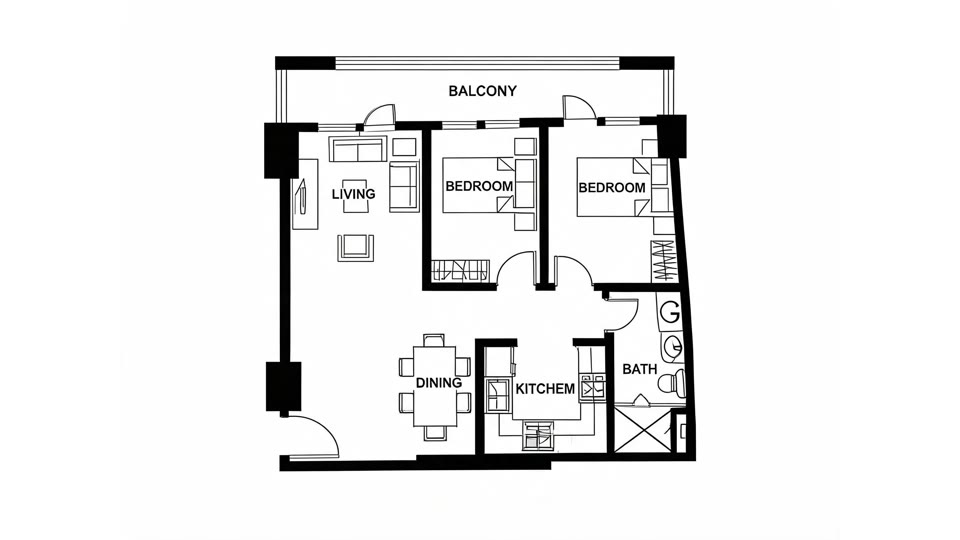
Image to floor plan
Redraw a photographed or scanned layout as a clean plan.
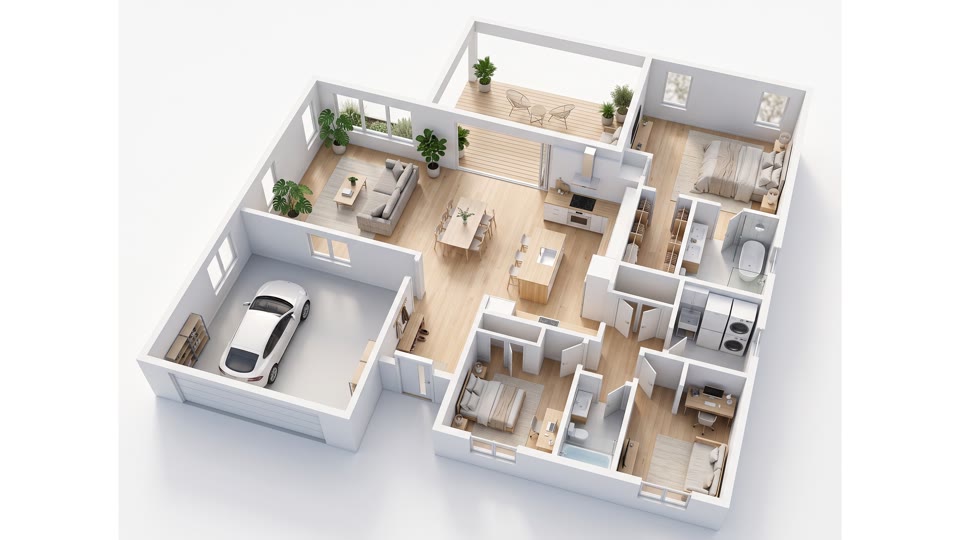
Floor plan to 3D
Turn a plan into a 3D video for the listing page.
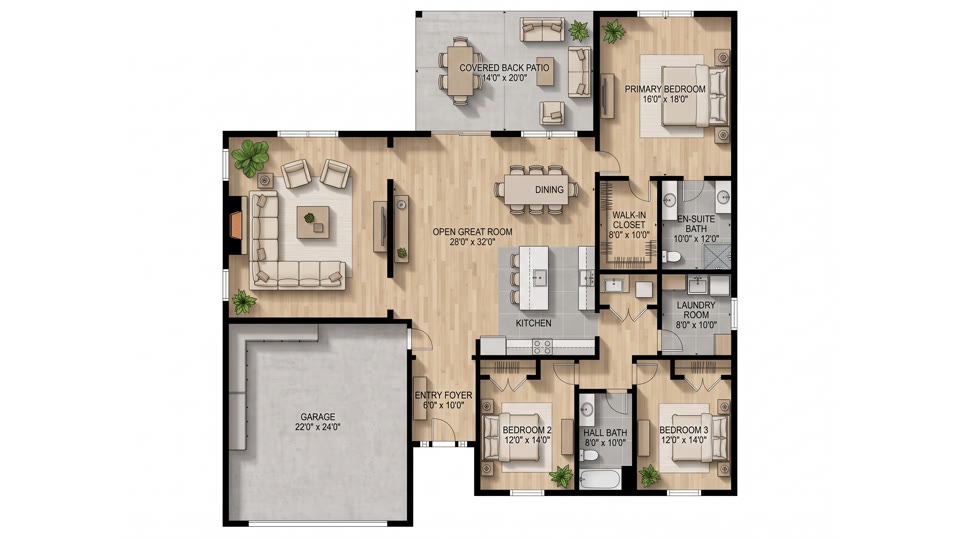
Floor plan rendering
Give a flat plan a polished, furnished look.
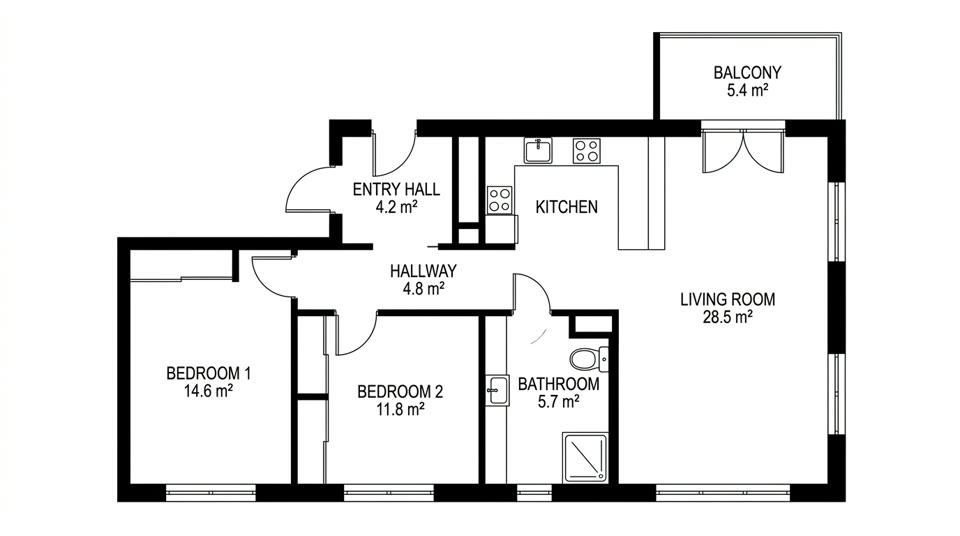
AI floor plan generator
Draw a plan from a short description of the property.
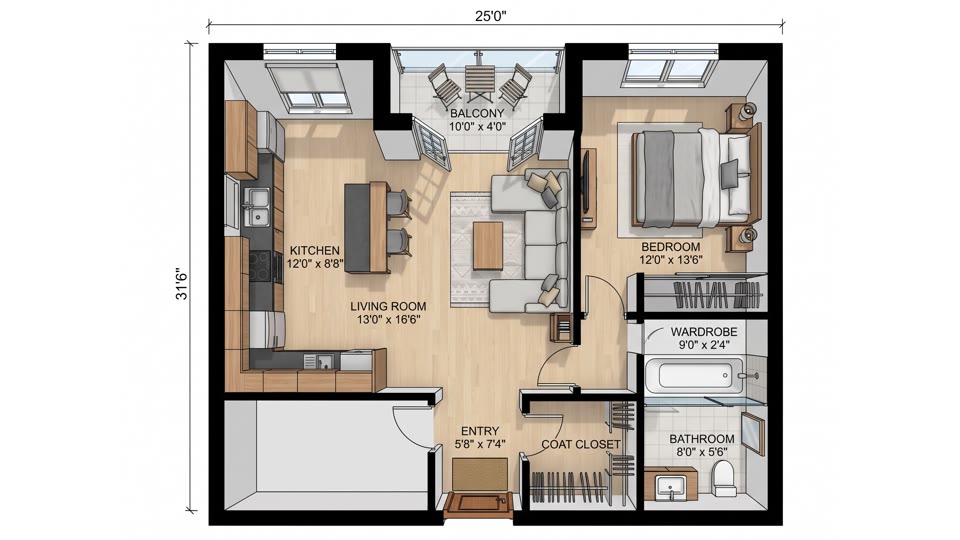
Apartment floor plan
Show the layout of a unit for rentals and sales.
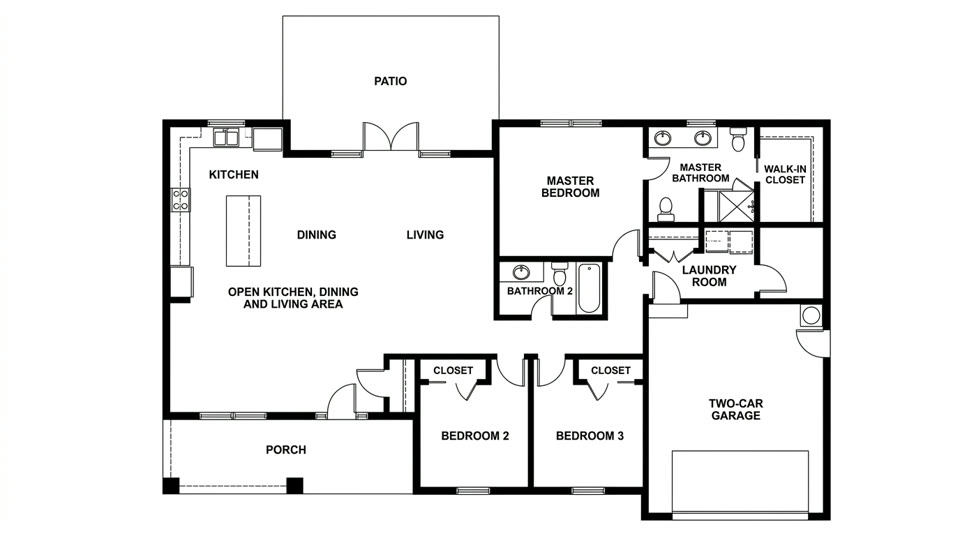
House plan AI
Lay out a whole house, room by room.
A typical workflow
- 1
Gather what you have
Use the property notes, a photo of an existing plan, or a quick sketch you made at the viewing.
- 2
Generate the plan
Upload the image or describe the layout. Planloom returns a clean plan in about a minute.
- 3
Check it against the property
Compare the result with the real property and regenerate if a room is in the wrong place.
- 4
Add 3D for the listing
Create a 3D video from the plan and add it next to your photos.
Good to know
- Planloom makes a visualization of a layout, not a construction drawing.
- It does not keep exact dimensions, so measure the real space before you act on a plan.
- There is no DXF or CAD export; you get images and videos.
- Have a qualified professional check anything before you build, buy or sign.
Pricing in short
- One free watermarked preview per person.
- Images cost 2 credits each, a 3D video costs 30 credits.
- Starter: $19.99 a month or $119 a year, with 200 credits a month.
- Pro: $29.99 a month or $299 a year, with 600 credits a month.
- Credit packs: 200 credits for $29.99, 600 credits for $79.99.
Real estate agents: frequently asked questions
Can I put a Planloom floor plan in a listing?
You can add the image or video to a listing as an illustration. Because Planloom does not keep exact dimensions, label it as an illustrative layout and keep any official plan for measurements.
Does it replace a measured floor plan?
No. It is a visualization, not a survey or a construction drawing. Use it to help buyers understand the flow of a property, and rely on a measured plan where accuracy matters.
Can I start from a photo or a scan of a plan?
Yes. Upload an image and Planloom redraws it as a clean floor plan. Check the result against the original before you publish it.
How much does it cost for a busy month?
Images cost 2 credits and a 3D video costs 30. Starter ($19.99 a month) includes 200 credits a month and Pro ($29.99 a month) includes 600, and credit packs are available if you need more.
Is there a DXF or CAD export?
No. Planloom exports images and videos, not DXF or other CAD files.
More use cases
Try your first floor plan free
Describe a space or upload a sketch and get a floor plan in about a minute. One free preview per person, no card needed to look around.